Resume Templates · Modern
Modern Resume Templates
Subtle color accents, crisp timelines, and structured skill grids that stay safely single-column. Browse 8 modern resume templates below — build free, pay once to download.
Modern · 8 designs, full page view
Hover any design to start or preview full size
Keystone
No photoA dark header and your key skills in a grid under the summary.
Journey
No photoEach role on a timeline, dates in the margin.
Portico
Optional photoYour photo beside your name on a soft colour header.
Monolith
No photoA bold name, tinted headings and skills as tags.
Sterling
Optional photoA square photo beside your name and details, one column.
Nova
No photoAn accent rule under your name and a skills grid.
Crest
Optional photoA full-width colour header, dates in the margin.
Prism
No photoYour name and headings on solid colour blocks.


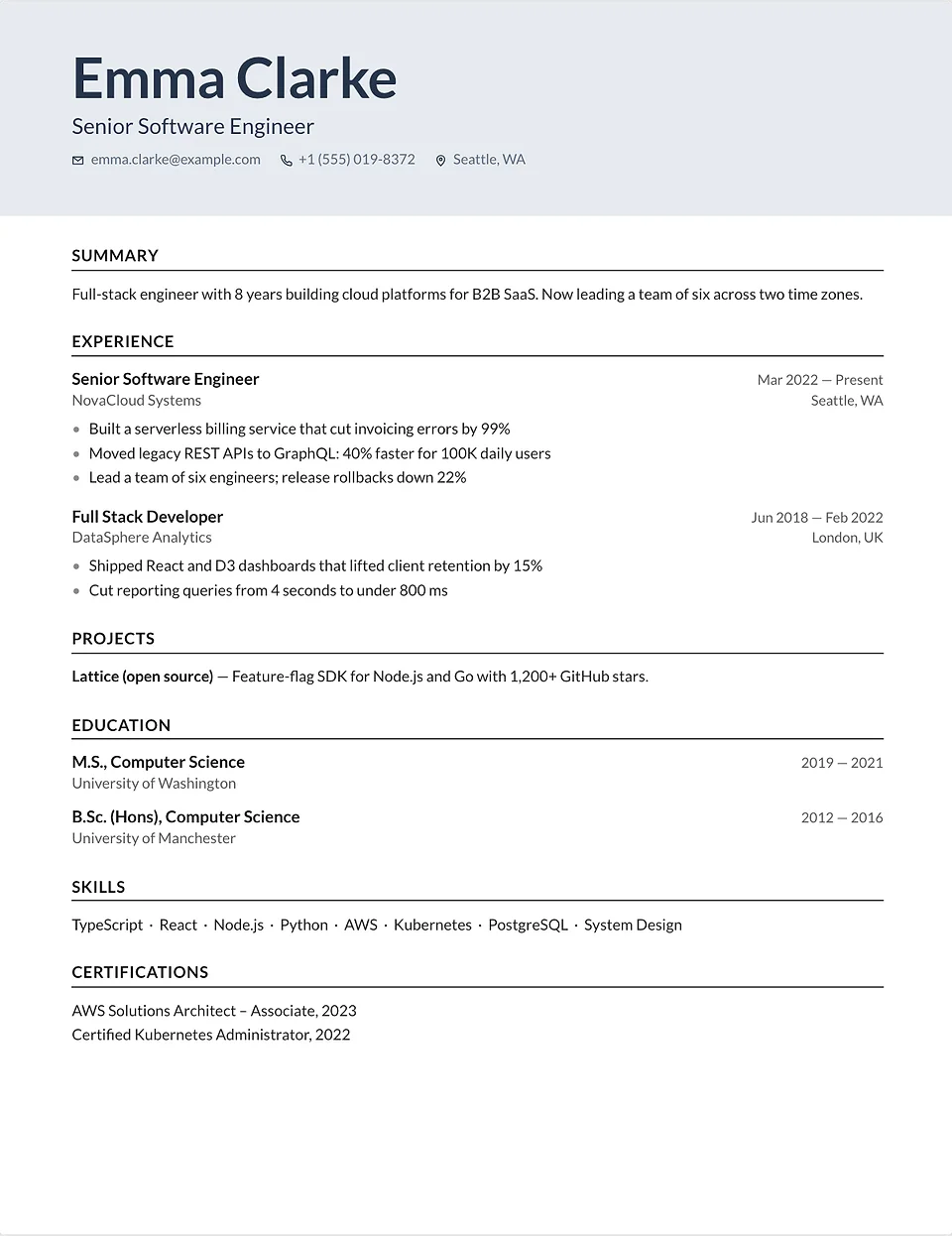

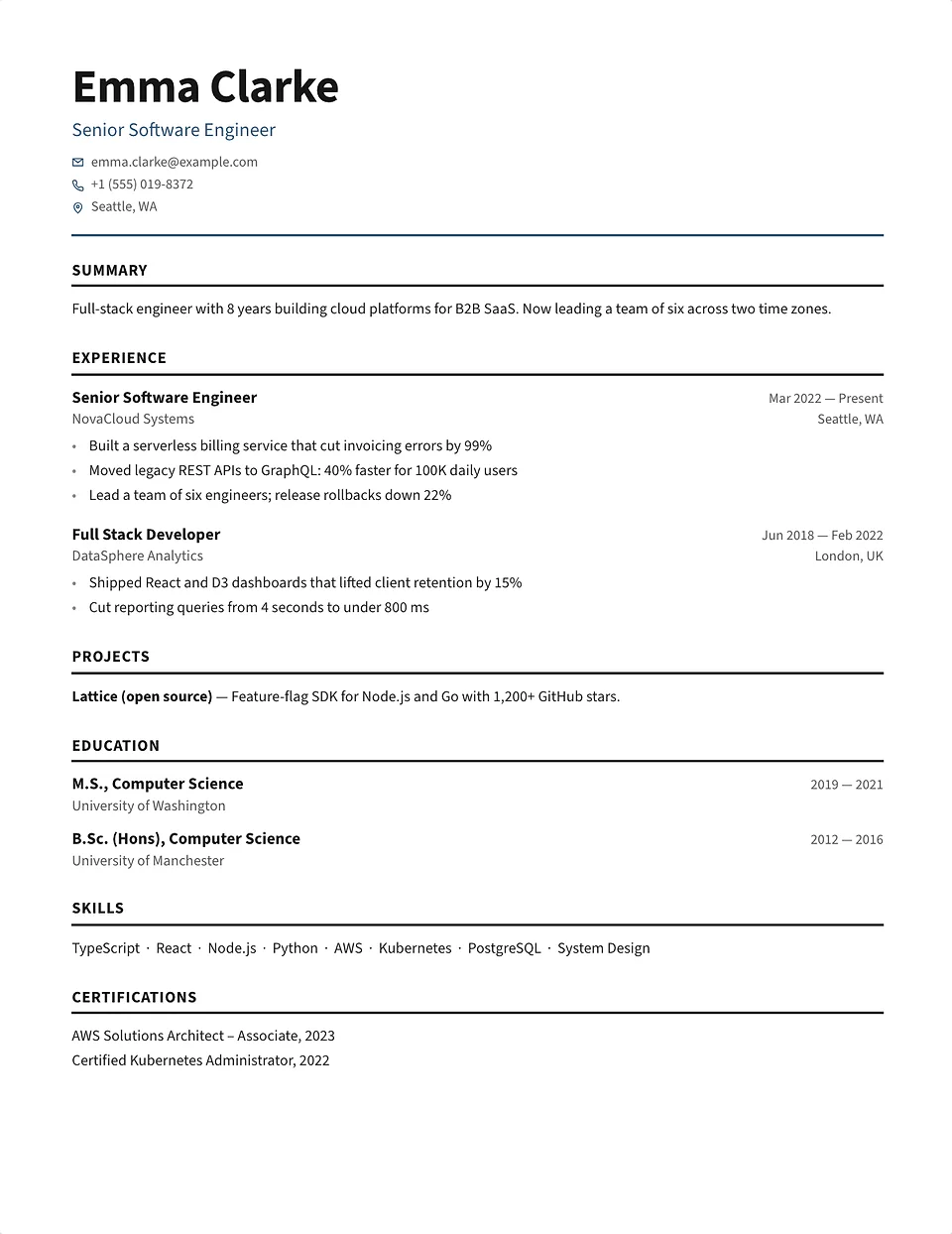
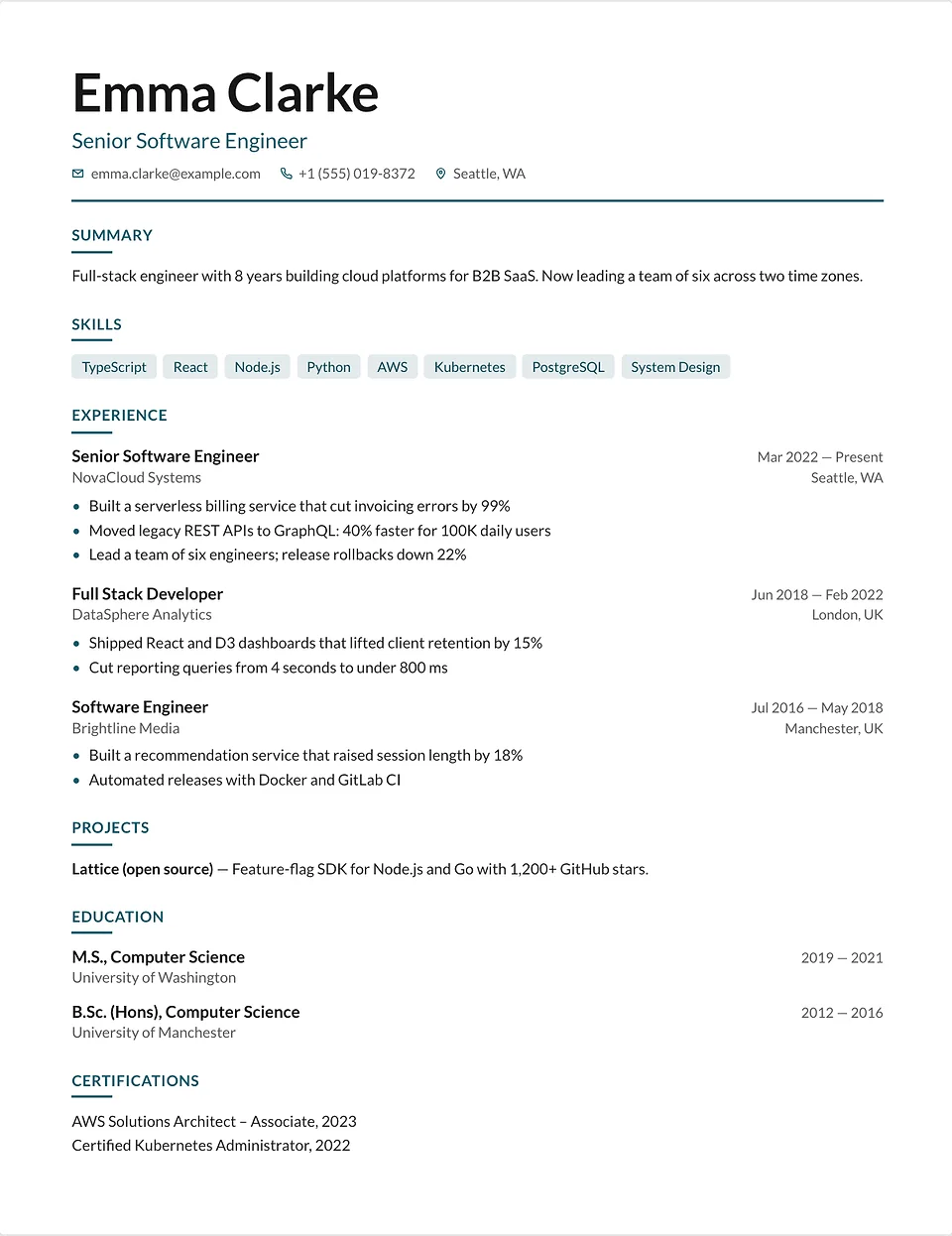
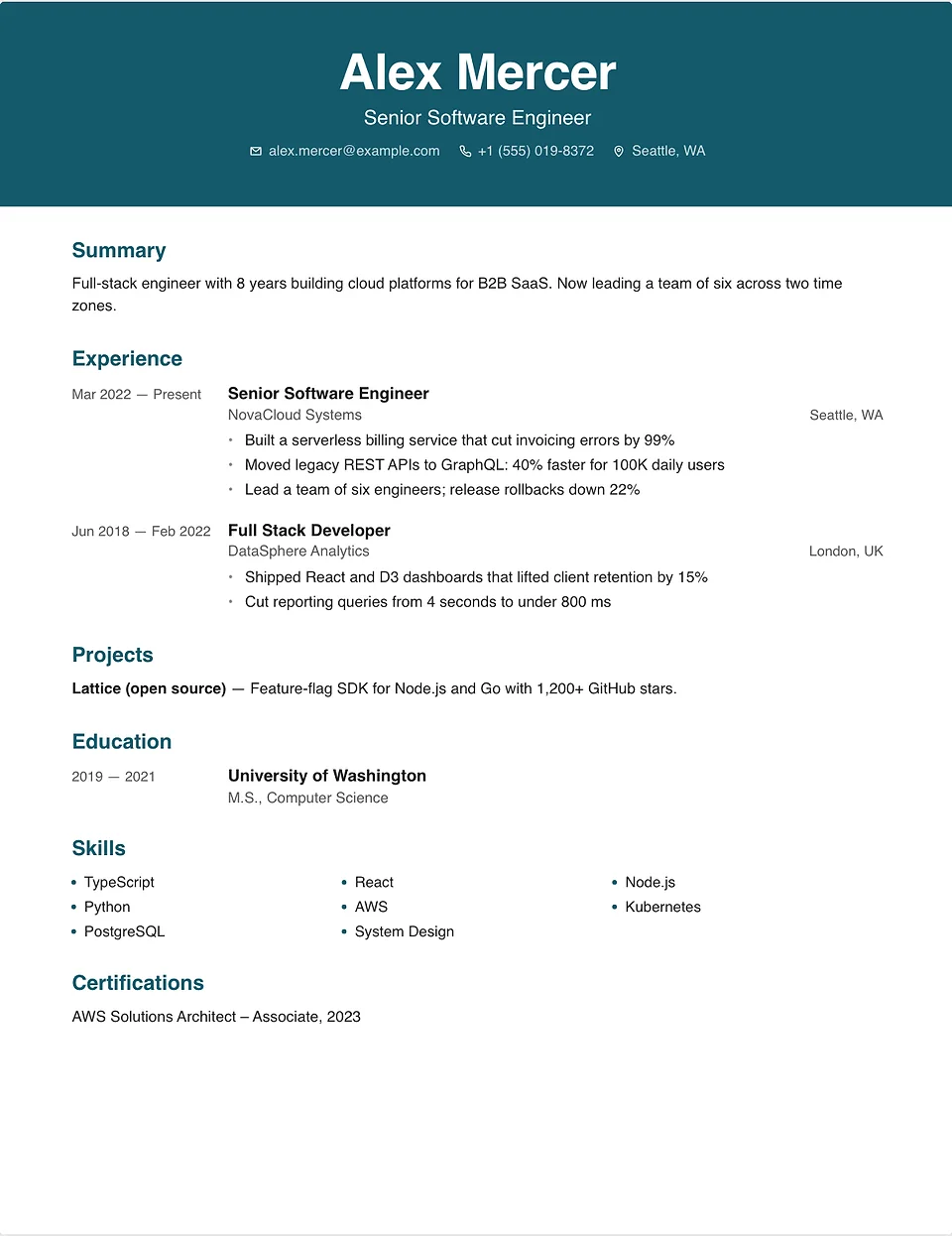

Modern templates: key facts
| Detail | Specification |
|---|---|
| Modern designs included | 8 single-column designs with contemporary visual structure, out of 36 live templates total. |
| Column structure | All 8 templates use a single-column experience stream — giving you modern polish without split-column reading order. |
| Photo support | 5 text-only designs (Keystone, Journey, Monolith, Nova, Prism) and 3 optional-photo designs (Portico, Sterling, Crest — hide the photo anytime in one click). |
| Export formats | Selectable-text PDF and Microsoft Word (.docx) generated in your browser, plus plain-text copy. No native Google Docs export (upload .docx to Google Drive to edit in Docs). |
| ATS parser testing | All 8 of 8 modern designs are tested in PDF against commercial resume parsers (part of our 30 of 36 live templates tested in PDF only; see methodology). .docx exports are scheduled for upcoming parser testing. |
| Pricing | Free to build, preview, score, and tailor to any job ad. Pay once only to download: Starter $14.99 (1 month), Pro $29.99 (3 months), Pro Annual $49.99 (1 year), or $1.99 for one resume. Never renews. |
How modern layouts balance personality with readability
A modern resume should look intentional without looking like a poster. Every design in this row keeps body prose dark on white paper and puts color only where it helps navigation — header bands, section markers, or crisp dividers.
Pick a modern template when:
- You work in product, software, marketing, design operations, SaaS sales, or growth roles where a contemporary layout feels right at home.
- You want your top skills visible right under your summary (Keystone, Nova) or your career progression plotted cleanly along a date rail (Journey, Crest).
- You want visual polish while keeping every bullet in one clean column that reads cleanly across 1 or 2 pages.
Pick a different category when:
- You are applying to ultra-traditional banking, legal, or federal roles where black ink on white paper is expected (browse Simple or Harvard Style).
- You want a dedicated full-height side rail to pack credentials onto one page (browse Two Column).
Matching modern layout structures to your career story
| Visual Device | CVEmber Templates | What It Highlights First |
|---|---|---|
| Top skills grid under summary | Keystone, Nova | Brings 8–12 technical tools or core competencies directly into the top third of page 1. |
| Date-in-margin career timeline | Journey, Crest | Makes steady promotions and multi-year tenure obvious at a single downward glance. |
| Tinted headings & structured tags | Monolith, Prism | Separates dense project sections cleanly so long work histories stay easy to scan. |
| Clean optional-photo header | Portico, Sterling | Suits international markets or client-facing roles where a crisp headshot is standard (and stays balanced when toggled off). |
Frequently asked questions about modern resume templates
Do color headers or timelines hurt ATS parsing?
Not when text stays real and linear. All 8 of CVEmber's modern templates use single-column body flow with selectable text (never flattened images), and all 8 have been tested in PDF against commercial resume parsers (see our ATS testing methodology). Keep custom accent colors dark enough for clear contrast when printed.
Can I change the accent color on a modern resume template?
Yes. Inside CVEmber's editor you can switch any template between curated muted palettes (slate, navy, forest, charcoal, terracotta) or enter your own hex color. Dark neutral tones like charcoal or deep navy preserve a calm executive feel even on bold header layouts like Keystone or Prism.
Should I use a modern template with or without a photo?
Skip the photo when applying in the US, UK, Canada, or Australia — choose Keystone, Journey, Nova, Monolith, or Prism, or switch off the photo toggle on Portico, Sterling, or Crest. Keep the headshot only in regions or roles where employers explicitly expect one.
Can I test a modern design and later export in a plain layout?
Yes. Your resume content is stored separately from the template styling. You can send Journey or Nova directly to a startup founder and export the exact same career history in Cobalt for a conservative enterprise portal in two clicks.
Try a modern single-column layout — customize colors free
Open Nova in the editor, paste or import your existing resume, and preview all 8 modern designs live before paying anything.
Free to build, preview, and tailor · Pay once only when you download PDF or Word
Explore next: All 36 Resume Templates · Two-Column Templates · Creative Templates · Free ATS Resume Checker · Project Manager Resume Examples · Data Analyst Resume Examples