Resume Templates · Simple
Simple Resume Templates
Plain typography, zero clutter, and one clean column recruiters scan in seconds. Browse 13 simple resume templates (including 5 Harvard-style serifs) — PDF & Word.
Simple · 13 designs (8 Simple + 5 Harvard-style), full page view
Hover any design to start or preview full size
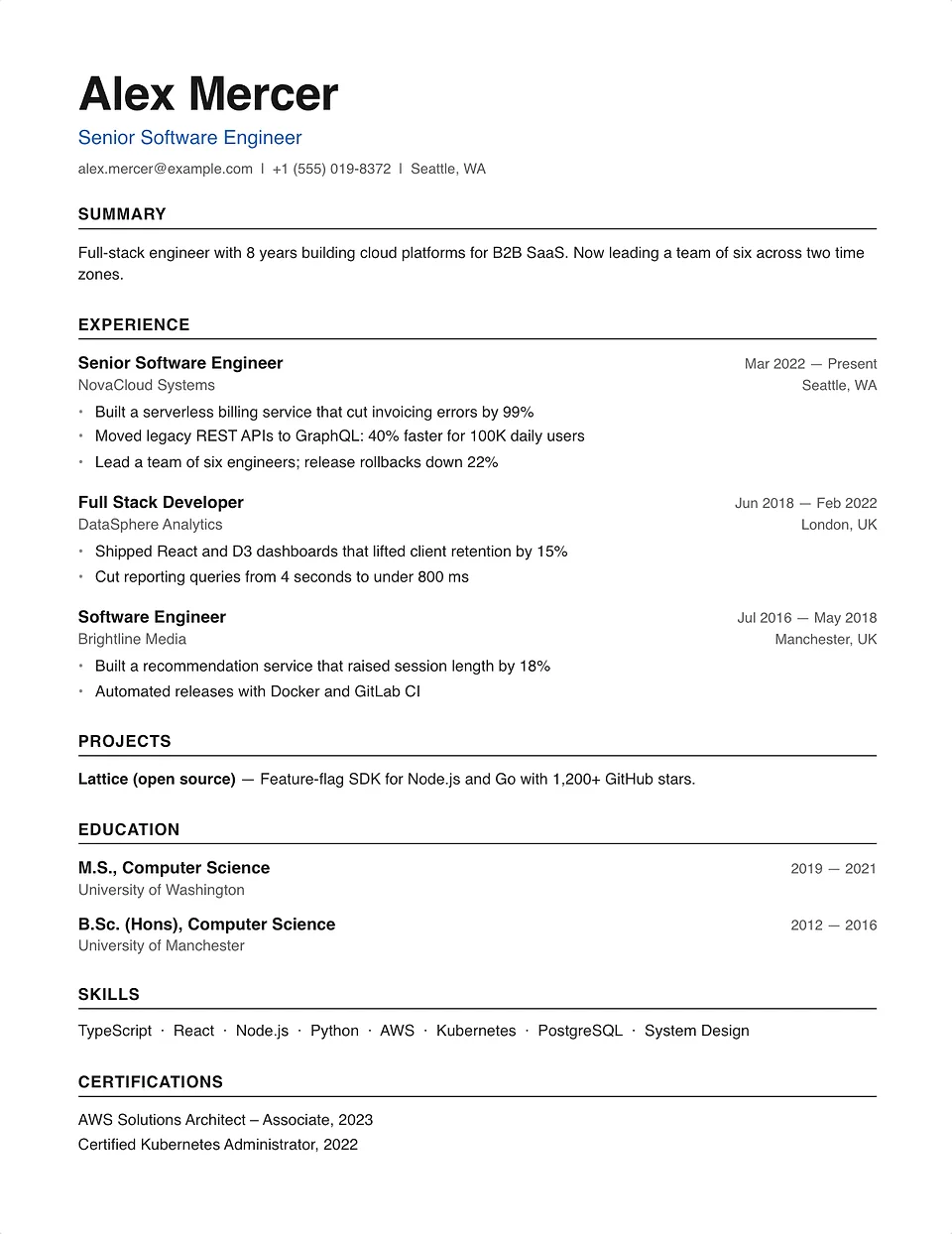
Cobalt
No photoA plain, clear page: your name, then bold headings over a thin rule.
Heritage
No photoThe Harvard-style classic: centred serif, ruled headings.
Brevity
No photoTighter type and margins, for a long career on one page.
Ledger
No photoHeadings in the margin, content beside them.
Signet
No photoYour initials in a fine ring beside a serif name.
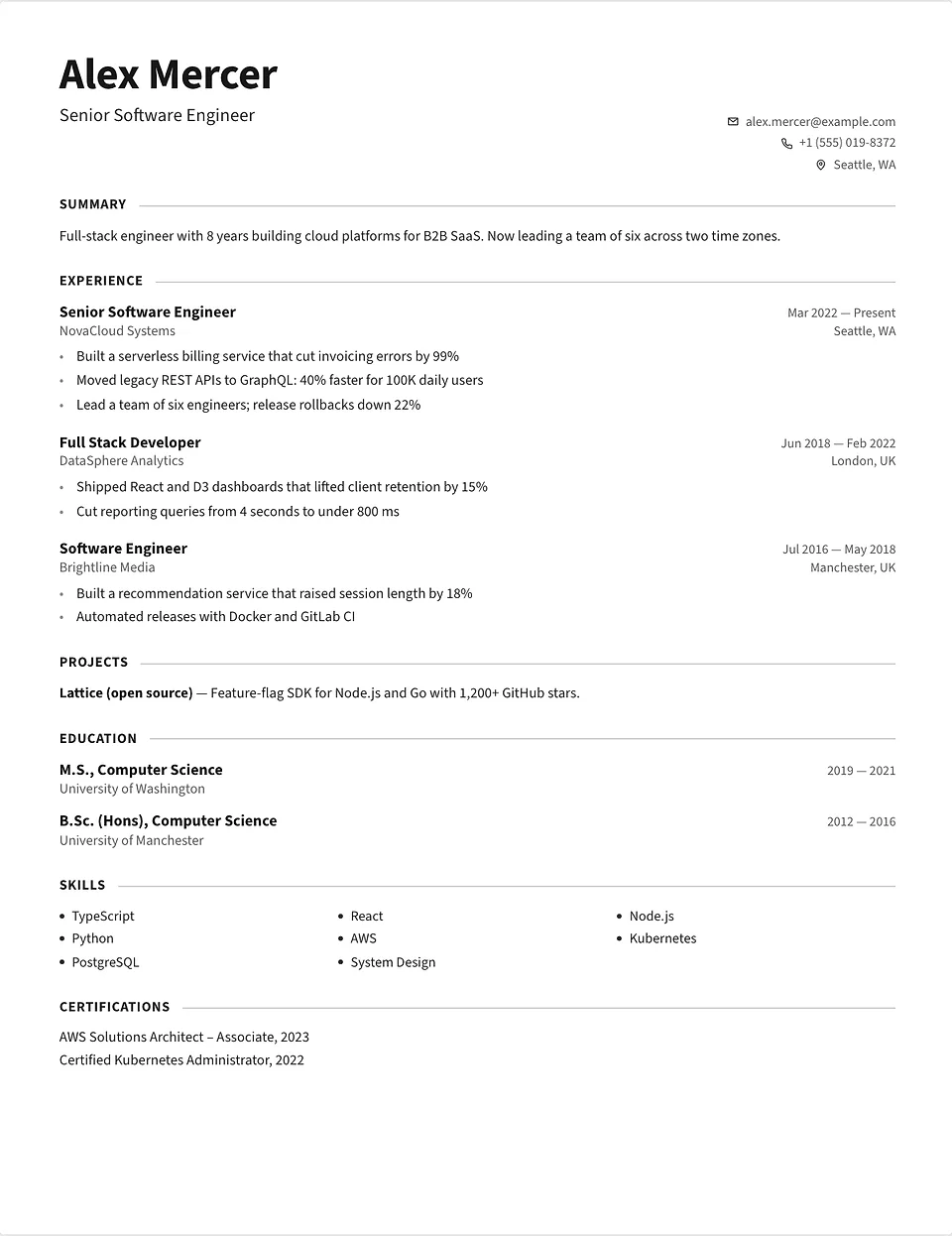
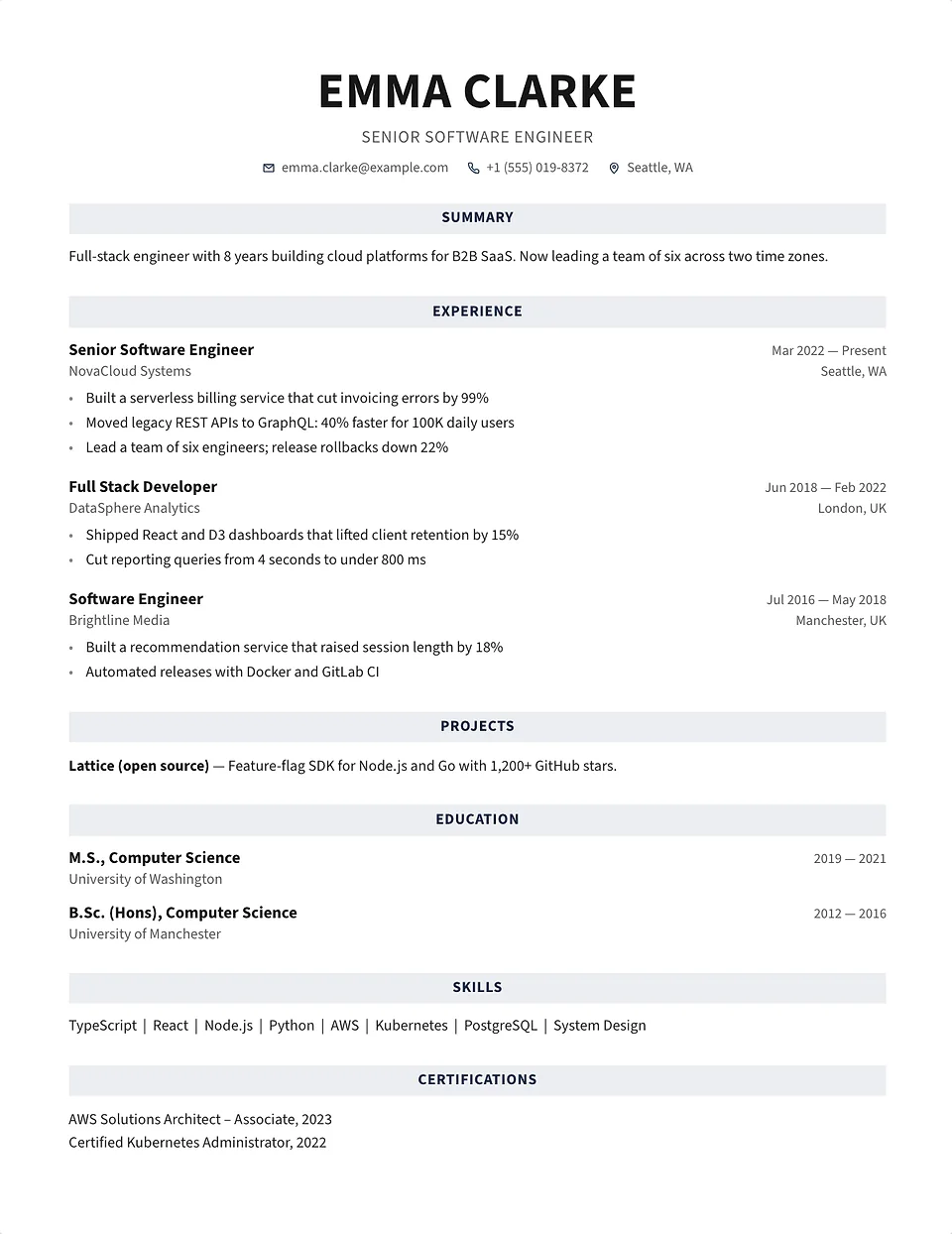
Granite
No photoA centred capital name and grey bars behind every heading.
Regent
No photoCapital serif name and centred headings for senior roles.
Haven
No photoWide margins, no rules, colour only on your name.
Ashford
No photoLeft-set serif name with one-line contact details at the right and ruled headings.
Quincy
No photoCentred Times-style serif with ruled uppercase headings, education first.
Prescott
No photoTighter serif proportions and margins to fit a full career on one page.
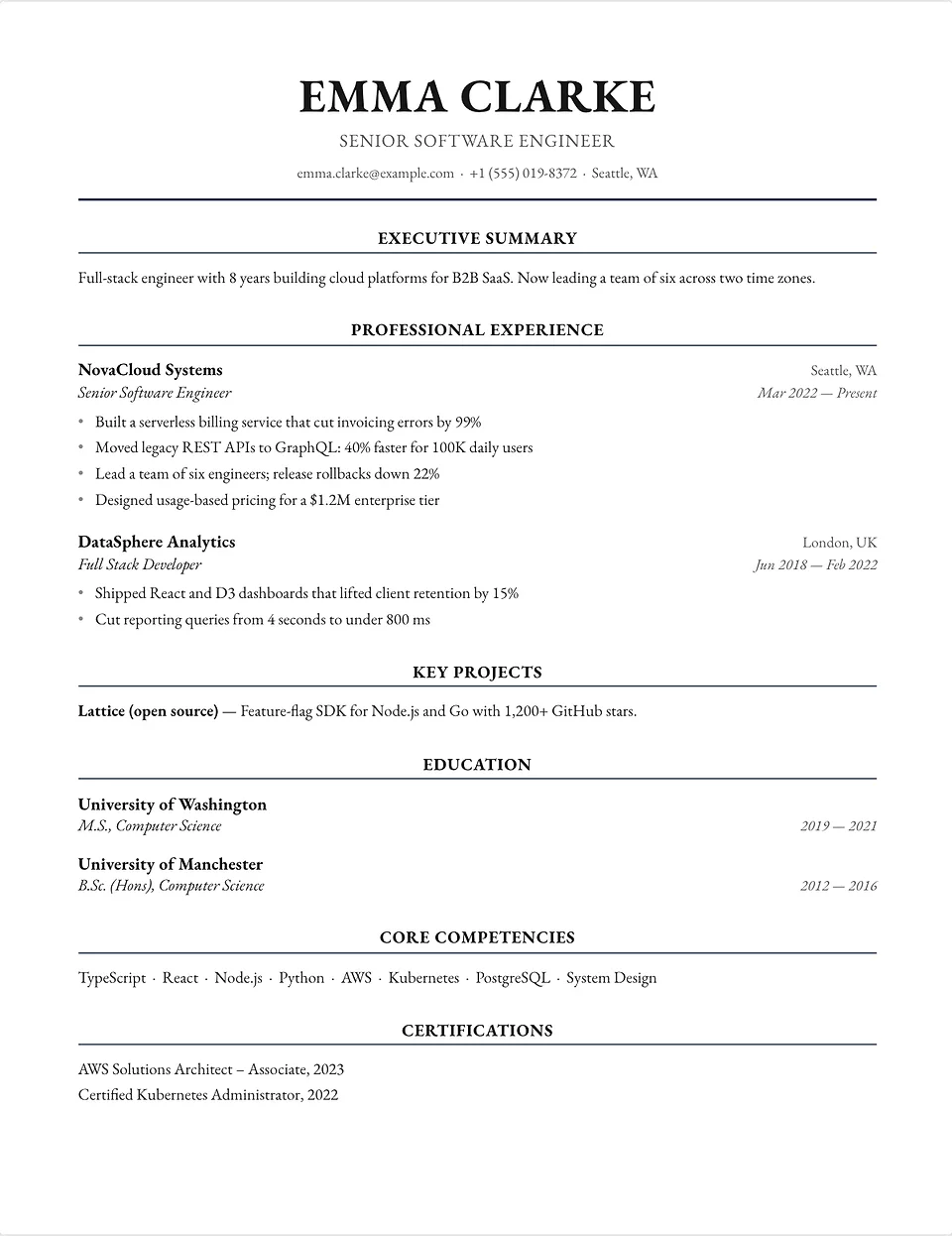
Waverly
No photoSpacious Garamond serif with small-caps ruled headings and a larger centred name.
Winslow
No photoCentred serif name over a subtle double rule, with bold title-case underlined headings.





Simple templates: key facts
| Detail | Specification |
|---|---|
| Simple designs included | 13 single-column designs (8 classic Simple layouts + 5 Harvard-style serif layouts), out of 36 live templates total. |
| Column structure | 100% single-column reading order from header to footer — zero sidebars, zero floating boxes. |
| Photo support | All 13 layouts are text-only (no photo slot), matching standard US, UK, Canada, and conservative global screening expectations. |
| Export formats | Selectable-text PDF and Microsoft Word (.docx) generated in your browser, plus plain-text copy. No native Google Docs export (upload .docx to Google Drive to open in Docs). |
| ATS parser testing | 30 of 36 live templates tested in PDF only against commercial resume parsers (see methodology) — including all 8 core Simple layouts (Cobalt through Haven). The 5 newest Harvard-style layouts (Ashford, Quincy, Prescott, Waverly, Winslow) and .docx exports are scheduled for upcoming parser testing. |
| Pricing | Free to build, preview, score, and tailor to any job ad. Pay once only to download: Starter $14.99 (1 month), Pro $29.99 (3 months), Pro Annual $49.99 (1 year), or $1.99 for one resume. Never renews. |
Why plain one-column typography outlasts design trends
Recruiters spend seconds on a first pass looking for three anchors: recent job titles, dates of employment, and measurable outcomes. Decorative shapes, rating bars, and bright sidebars pull the eye away from those facts — and add avoidable risk in older enterprise portals.
Choose a simple template when:
- You are applying to finance, accounting, law, healthcare, consulting, government, or engineering teams that prefer black-and-white clarity.
- Your resume spans two full pages — single-column text flows naturally across a page break without leaving an awkward blank sidebar on page 2.
- You want a document that prints identically on a black-and-white office printer without fading color blocks.
Consider another category when:
- You want a narrow side rail to hold a long list of technical tools on a single page (browse Two-Column Templates).
- You want subtle color headers or a structured skills grid right under your summary (browse Modern Templates).
Choosing among the 13 simple styles
Not every simple resume reads the same way. Pick the visual density that matches your page length and industry norms:
| Reading Density | Templates to Open | Structural Difference |
|---|---|---|
| Balanced everyday clarity | Cobalt, Haven, Granite | Crisp sans-serif hierarchy with clean breathing room for 1-page or 2-page resumes. |
| Classic Harvard & academic serif | Heritage, Ashford, Quincy, Waverly, Winslow | Traditional serif type and crisp horizontal rules favored in finance, law, consulting, and graduate applications. |
| High-density 1-page fit | Brevity, Prescott | Tighter vertical rhythm and margins that hold 6–10 years of bullets on one sheet without cramping text. |
| Distinctive quiet structure | Ledger, Signet, Regent | Left-margin section titles (Ledger), subtle initial mark (Signet), or stately centered headings (Regent) without adding clutter. |
Frequently asked questions about simple resume templates
Is a simple resume template too plain for competitive corporate roles?
No. Hiring panels at banks, consulting firms, hospitals, and major technology companies almost universally expect clean single-column typography with black ink on white paper. Strong numbers and clear job progression stand out faster when the page design stays out of the way.
What is the difference between Simple templates and Harvard-style templates?
All 5 Harvard-style designs (Ashford, Quincy, Prescott, Waverly, Winslow) plus Heritage live inside CVEmber's Simple collection. They pair classic serif typefaces with crisp horizontal rules and restrained spacing, while designs like Cobalt, Haven, and Granite give you the same single-column clarity in modern sans-serif type. You can also explore the dedicated Harvard Resume Template page.
Can I fit 8 years of experience onto one page using a simple layout?
Yes — try Brevity (sans-serif) or Prescott (serif). Both tighten margins and vertical spacing slightly while preserving clean, readable body type, so experienced candidates can keep a crisp one-page version without squeezing text into tiny font sizes.
Do simple resumes export cleanly to Microsoft Word?
Yes. Every layout in CVEmber exports both selectable-text PDF and Microsoft Word (.docx) directly from your browser. Single-column layouts are especially dependable when staffing agencies ask for an editable .docx file because there are no nested sidebar columns to shift across different Word versions.
Start with a clean single-column layout — switch anytime
Open Cobalt in the editor to type or import your existing PDF or Word resume, test your CVEmber Score, and switch across all 36 designs before paying anything.
Free to build, preview, and tailor · Pay once only when you download PDF or Word
Explore next: All 36 Resume Templates · ATS-Friendly Templates · Harvard Resume Templates · Free ATS Resume Checker · Accountant Resume Examples · Business Analyst Resume Examples